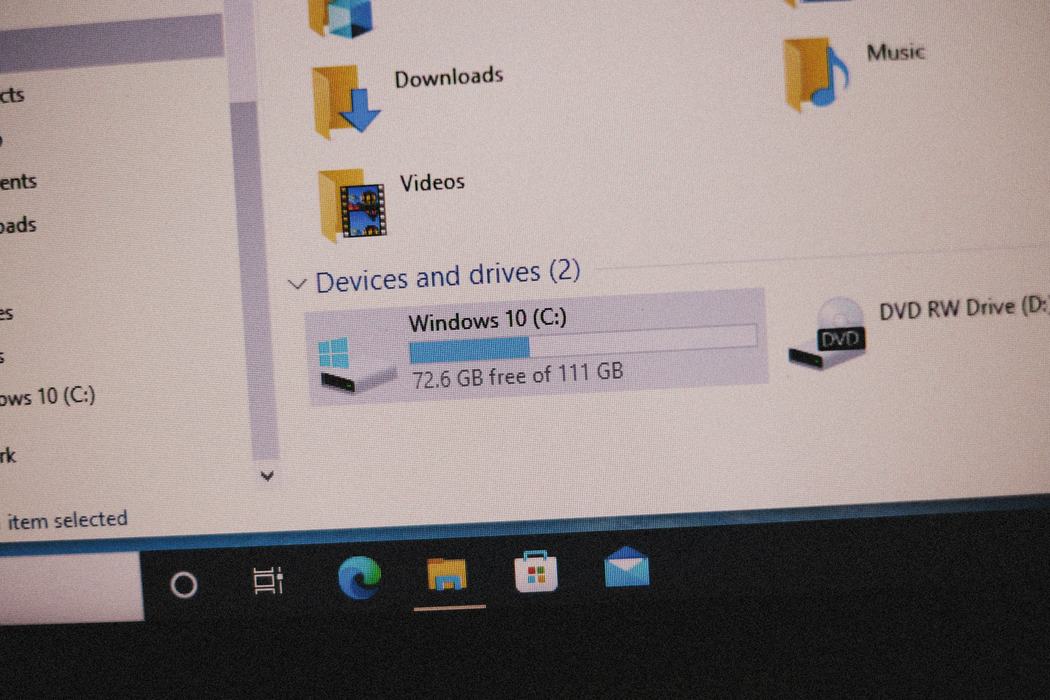
1. Clean Your Desktop in One Move
Drag everything into one folder called "Sort Me" and breathe. Then create just a few main folders based on your workflow. If you were a teacher, they might look a little like this:
📁 Lessons
📁 Student Work
📁 Admin
2. Calm Your Inbox
Forget Inbox Zero—aim for Inbox Calm instead. Try this:
- Archive or delete emails older than 30 days
- Create 3 folders:
- To Do (needs action)
- Waiting (you're waiting on someone)
- Reference (just info)
- Use filters to send newsletters or school announcements into folders automatically
3. Name Files Like a Pro
Stop using “Untitled doc” or “screenshot(99).png.” Instead, use a consistent format like:
“LessonPlan_Fractions_2025-07-23.” This way, searching becomes way easier—no more guessing. 💡 Pro tip: I take this concept one step further and like to name my files starting with the date in YYYYMMDD format (e.g., 20250723). This is especially useful in databases or other systems where sorting by date matters, as it ensures that items stay in chronological order even when sorted alphabetically. For example, the Google Doc I used to write this article is titled in my Drive as "20250723 ARTICLE Digital Organization Hacks."
4. Don’t Let the Cloud Become a Junk Drawer
Google Drive, OneDrive, Dropbox—great tools, easy to mess up. Keep a clean structure like:
- Classroom
- Unit 1
- Unit 2
- PD & Trainings
- Forms & Templates
Pin your most-used folders for quick access.
5. Do a 10-Minute Weekly Clean
Set a reminder every Friday (or whenever your week ends) to:
- Clear stray downloads
- Delete junk
- File anything you saved to your desktop
It takes 10 minutes and makes Monday so much easier.
One Last Thing...
You don’t need to organize everything overnight. Just start with one small habit this week, and you’ll feel the difference.
If you’d like to learn more tips about digital hygiene or seek assistance with fortifying any other digital skills, please don’t hesitate to reach out to me by calling 252-794-6170 or emailing me at rjinnet@ncsu.edu